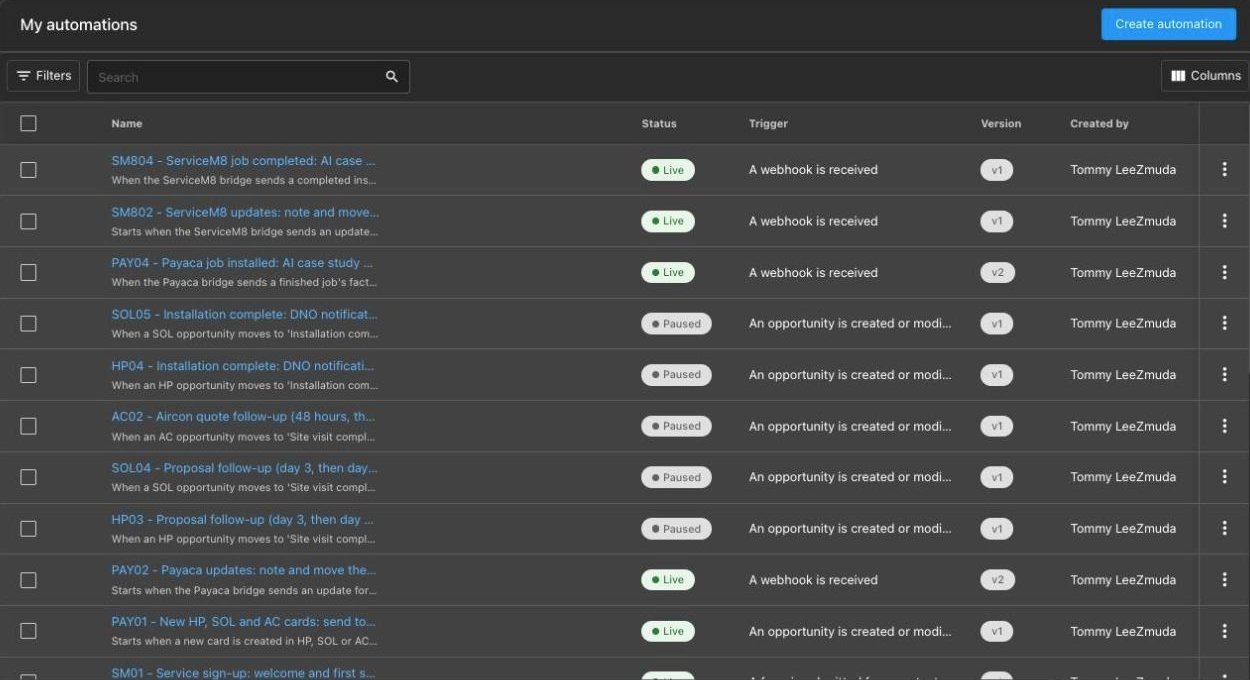
We connect the job management system you already run on to your Digital Toolbag CRM, then automate the admin in between. Nothing is typed in twice, service dates stay in step and finished jobs become draft case studies.
Bridges to your system of choice, such as ServiceM8 or Payaca
 ServiceM8 job synced
Case study drafted from the job
We don't ask you to change systems. We build a bridge between your job management system or CRM of choice, such as ServiceM8 or Payaca, and your Digital Toolbag CRM.
Tell us what you use and we'll look at the bridge.
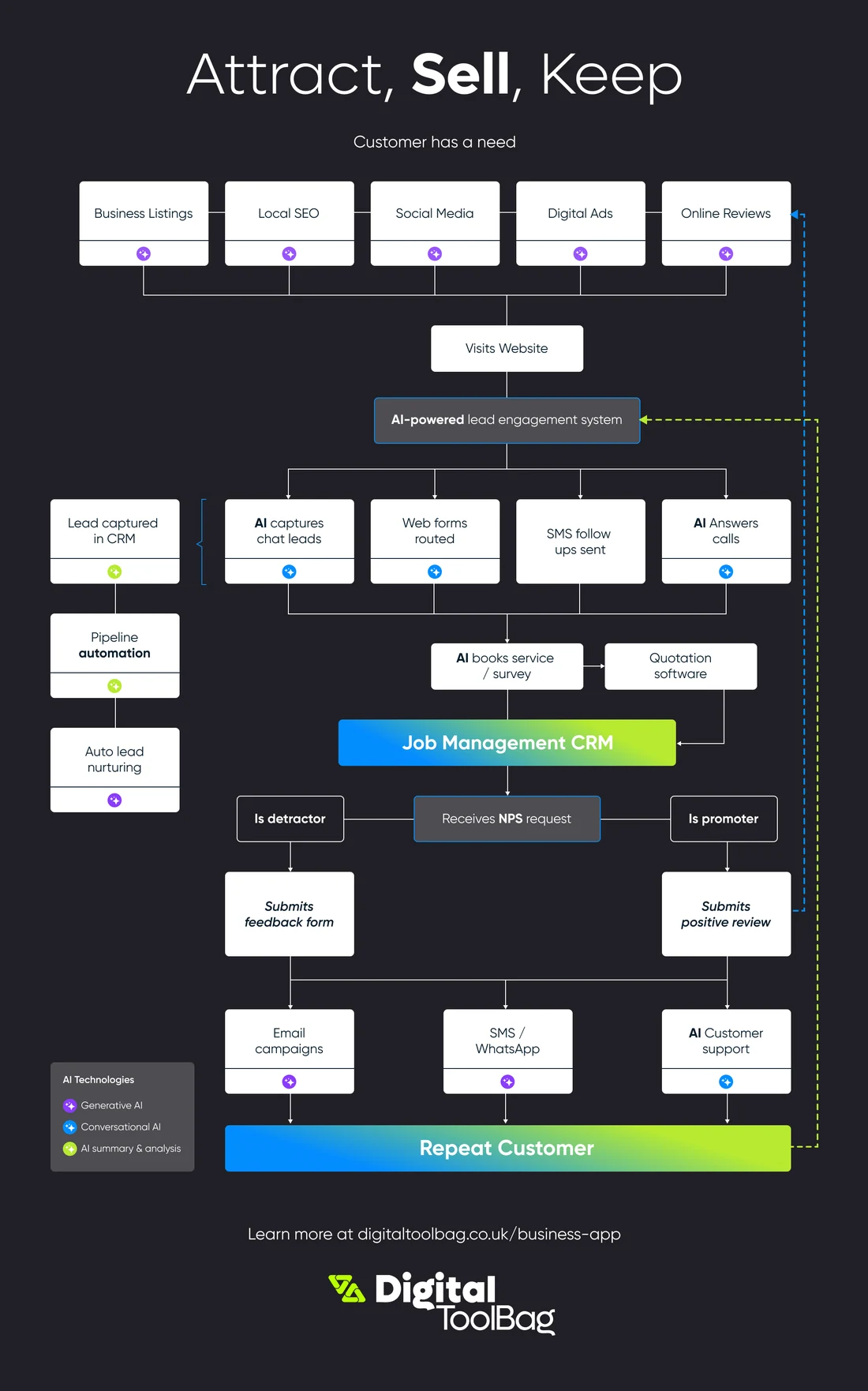
The whole customer journey, with your job system in the middle.
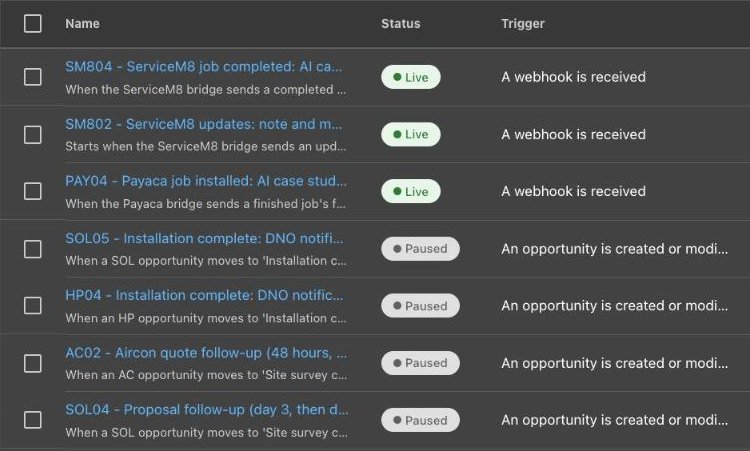
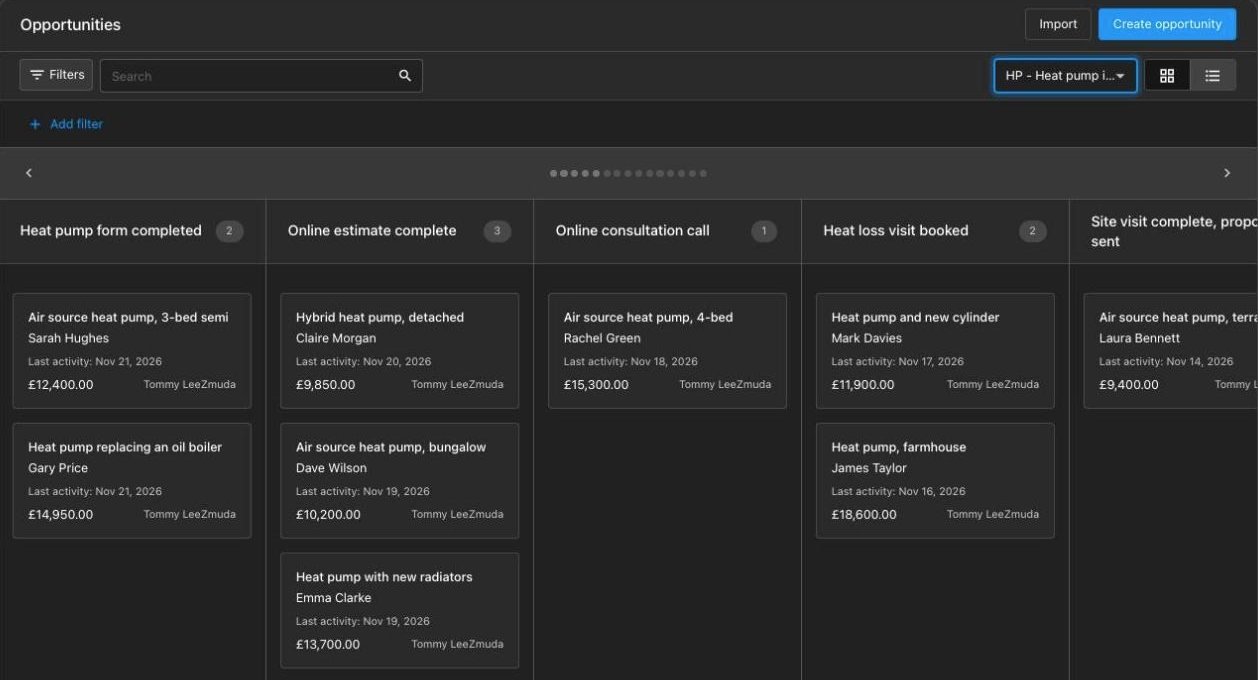 Job moved to installed
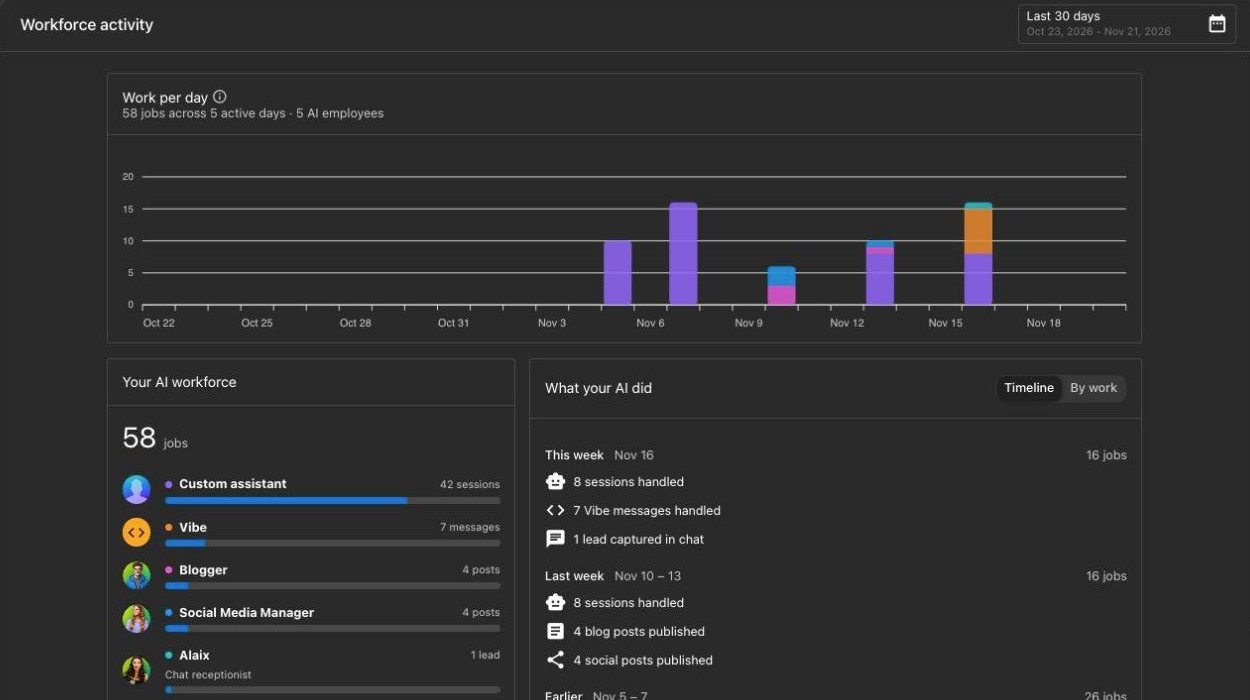
Every automation is open to read, box by box, in your own account.
Each task goes to the person who does it. The office gets the call list, the engineer gets the job notes and you get the numbers.
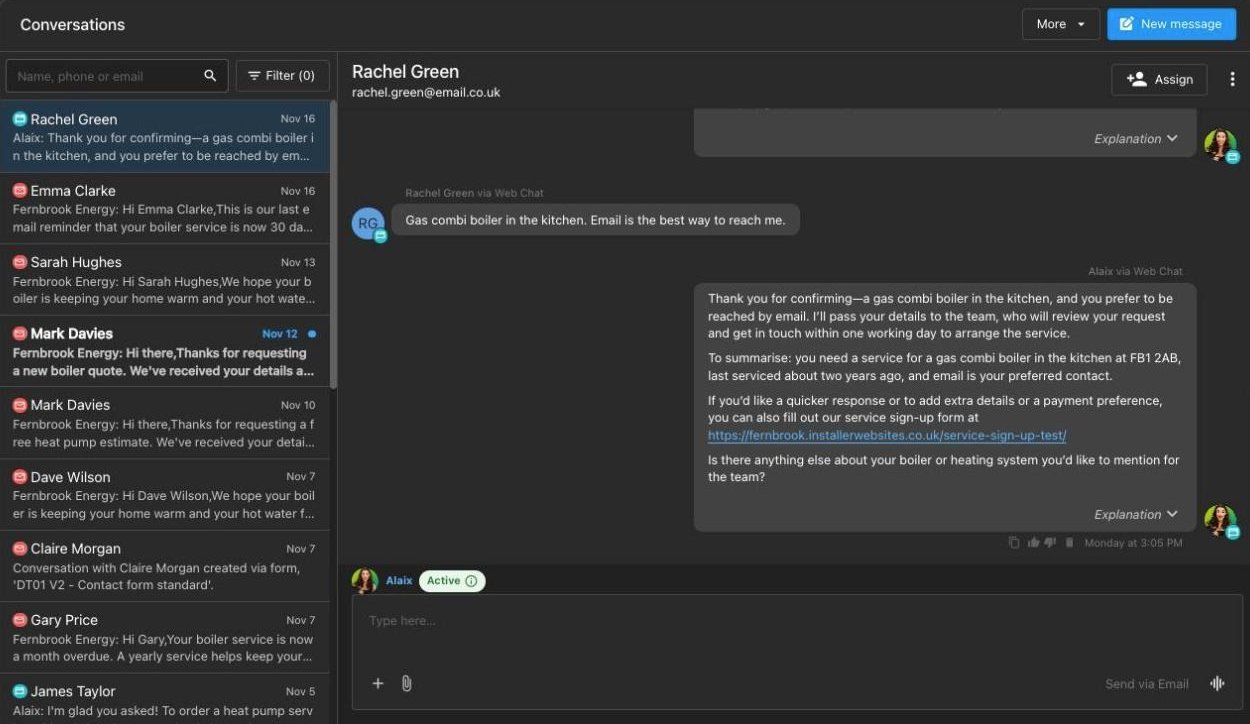
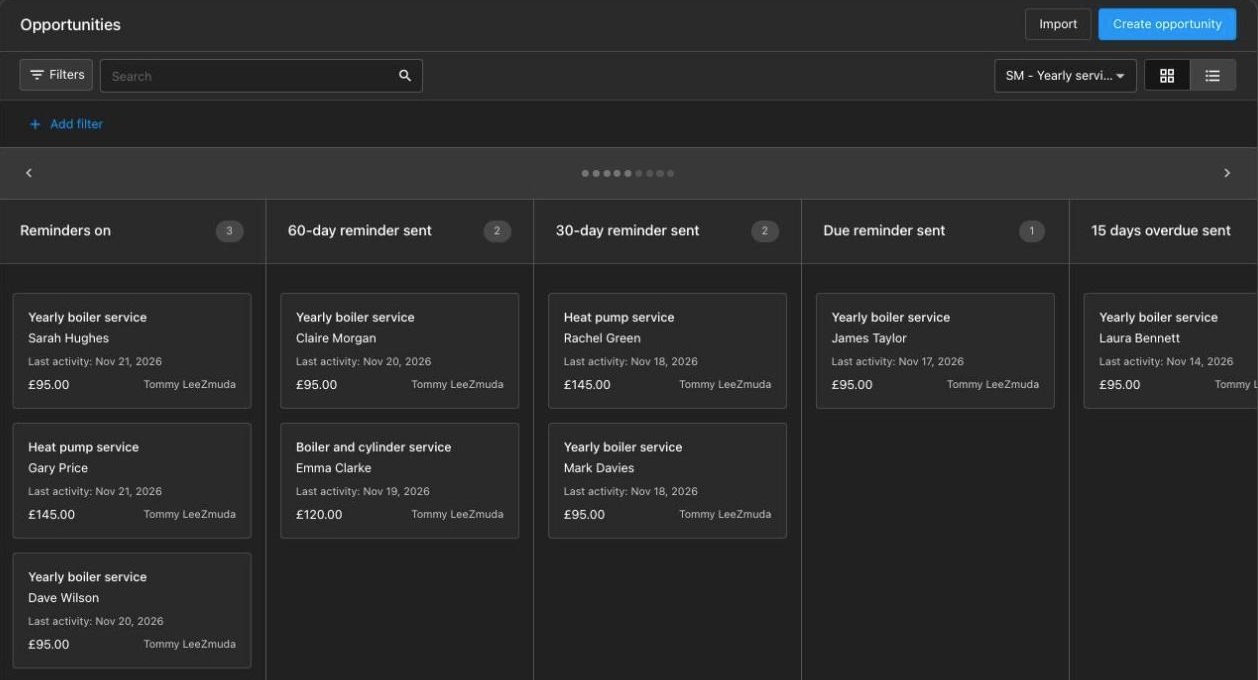 Assigned to the office
One record per customer
Our Platforms & Integrations course in the Heating, Cooling & Solar UK community on Skool shows how your CRM, quoting, job management, accounting and AI tools connect, and what APIs, webhooks and MCP mean.
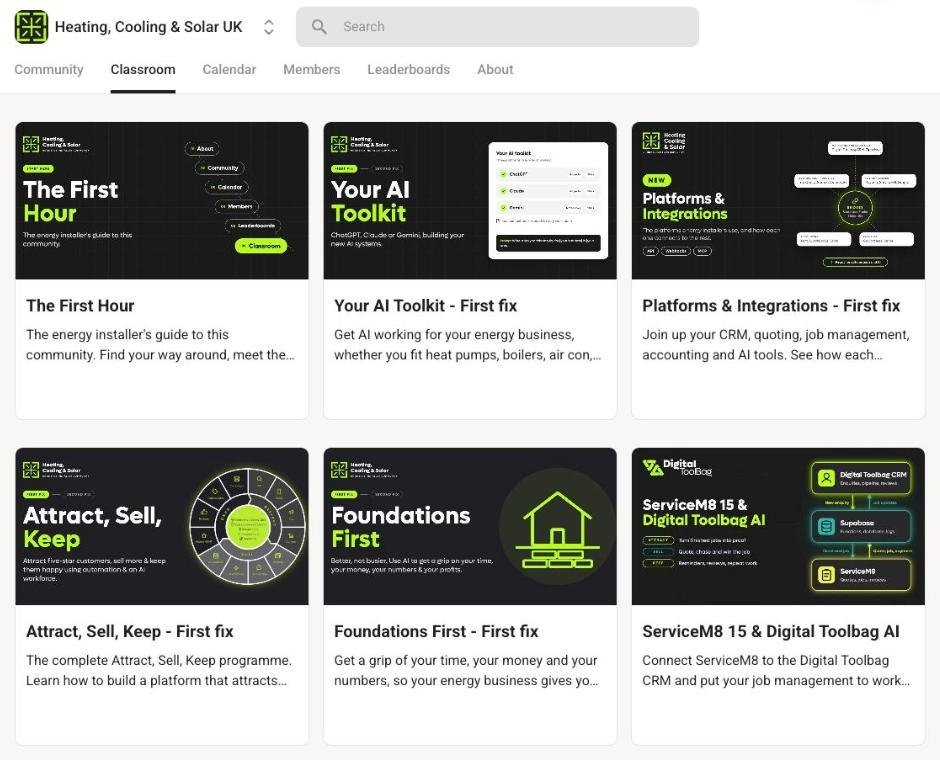
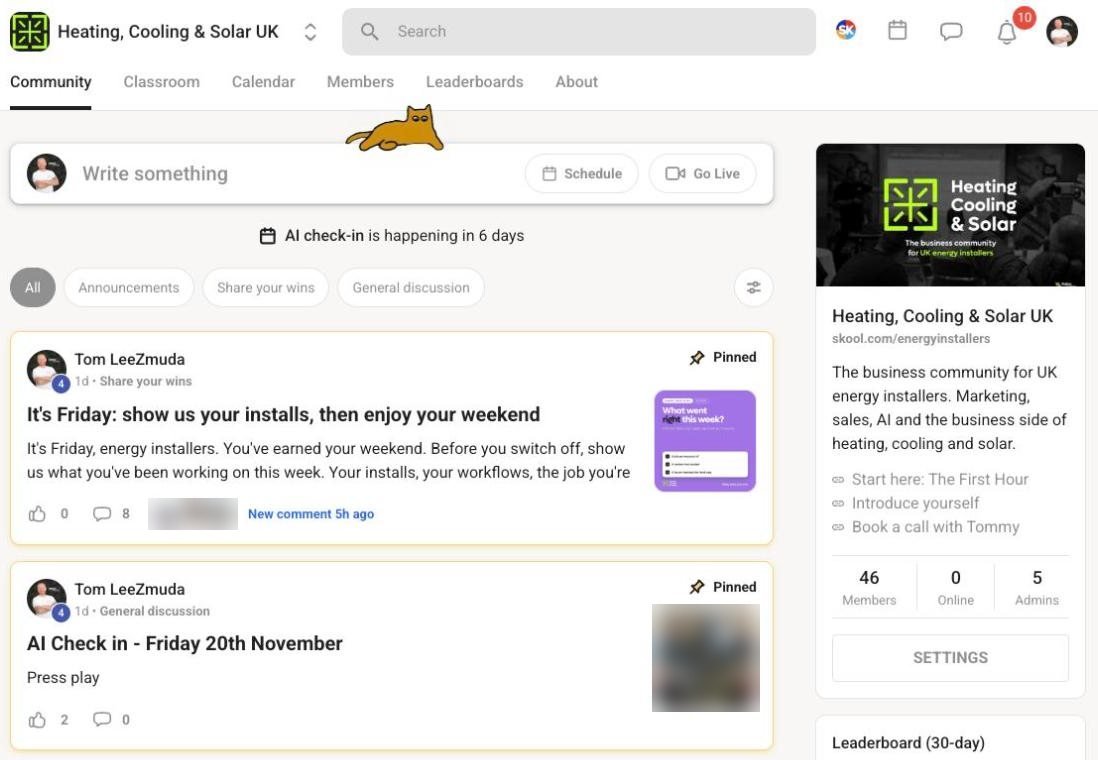 In the Skool classroom
Do you replace my job management system?
No. You keep running your jobs where you do today, whether that's ServiceM8, Payaca or something else. We connect your system to your Digital Toolbag CRM and automate the admin in between.
Which job systems do you work with?
Your system of choice, such as ServiceM8 or Payaca. If you run on something else, tell us and we'll look at building the bridge.
Whose data is it?
Yours. Your customers and jobs stay in your own accounts.
Can I see what the automations do?
Yes. Every automation is laid out box by box in your account, so you can see exactly what happens and when.
Tell us which job system you run on. We'll show you what we'd connect and automate first.